Prerequisites:
- Set up your OpenTaco account
- Set up GitHub App
- A working PR Automation setup with a functional GitHub Actions workflow
Enable drift detection
To activate drift detection, you must enable it at both levels:- In settings, toggle Enable Slack notifications on (this enables drift detection at the organization level).
- In the projects page, toggle Drift on for each project you want monitored.

TODO: update this in the UI and here once drift is fixed…
Slack notifications
You can also configure Slack notifications via webhooks: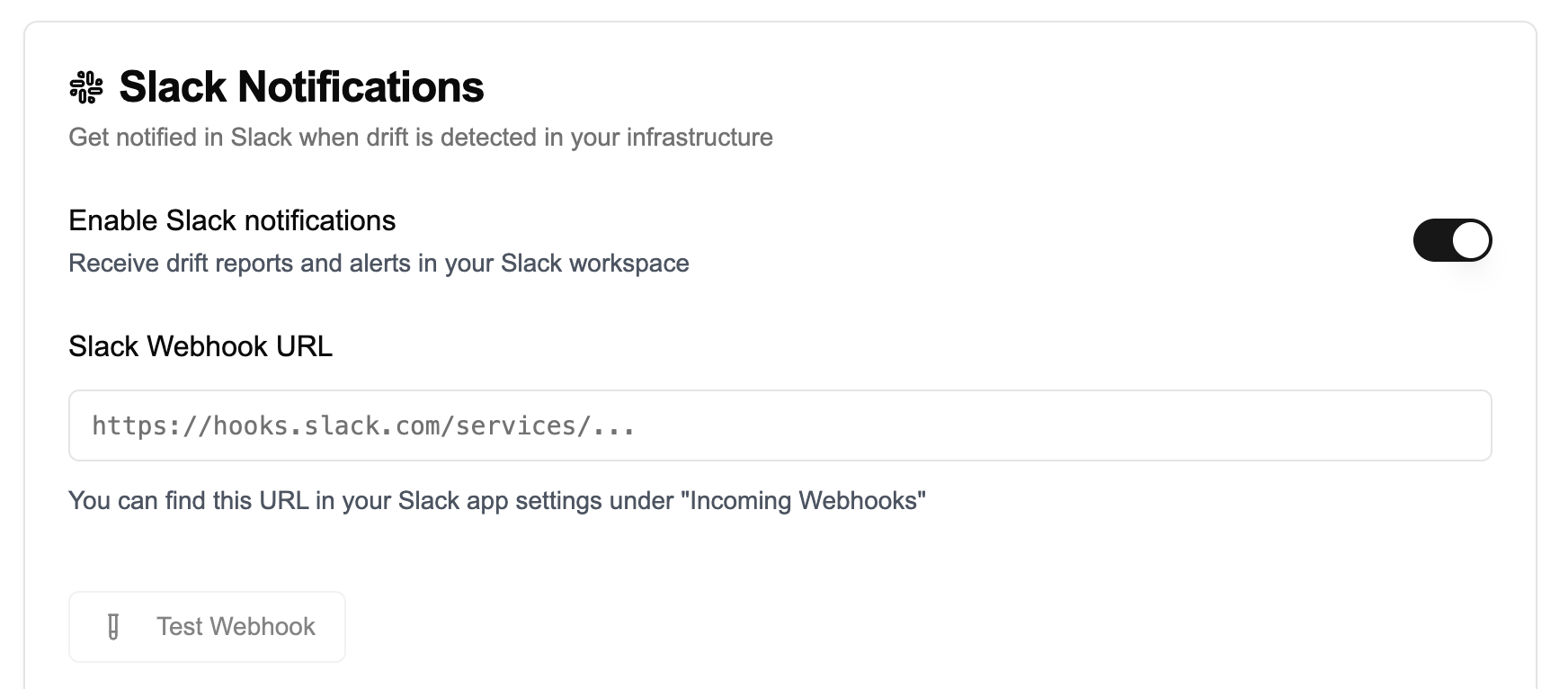
Schedule
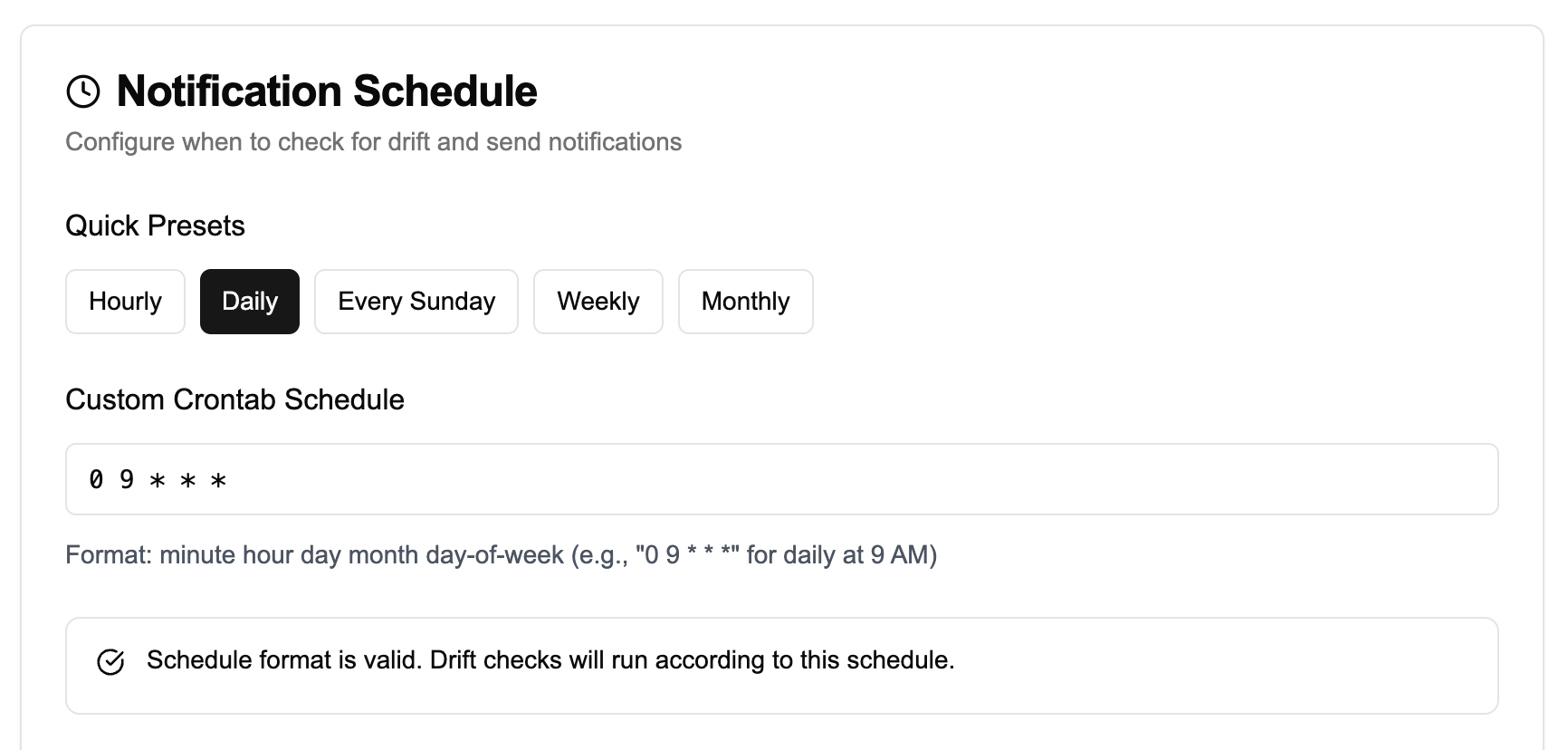
You can run drift detection on pre-defined intervals (e.g. hourly or daily) - or use a custom crontab: